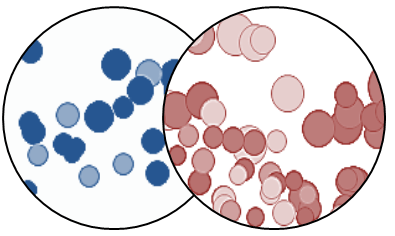
Omni-directional drilling
New Spotfire users quickly discover that it’s possible to easily create a drill-down relationship between visualizations. This is called a Details Visualization and can be created from any visual simply by opening the right-click menu.
This same technique can also be used to create omni-directional drilling, enabling the user to “drill” up, down, or across. It’s not necessary to pre-defined a “parent” visual – the user can select which visualization to start with and continued the drilling from there.

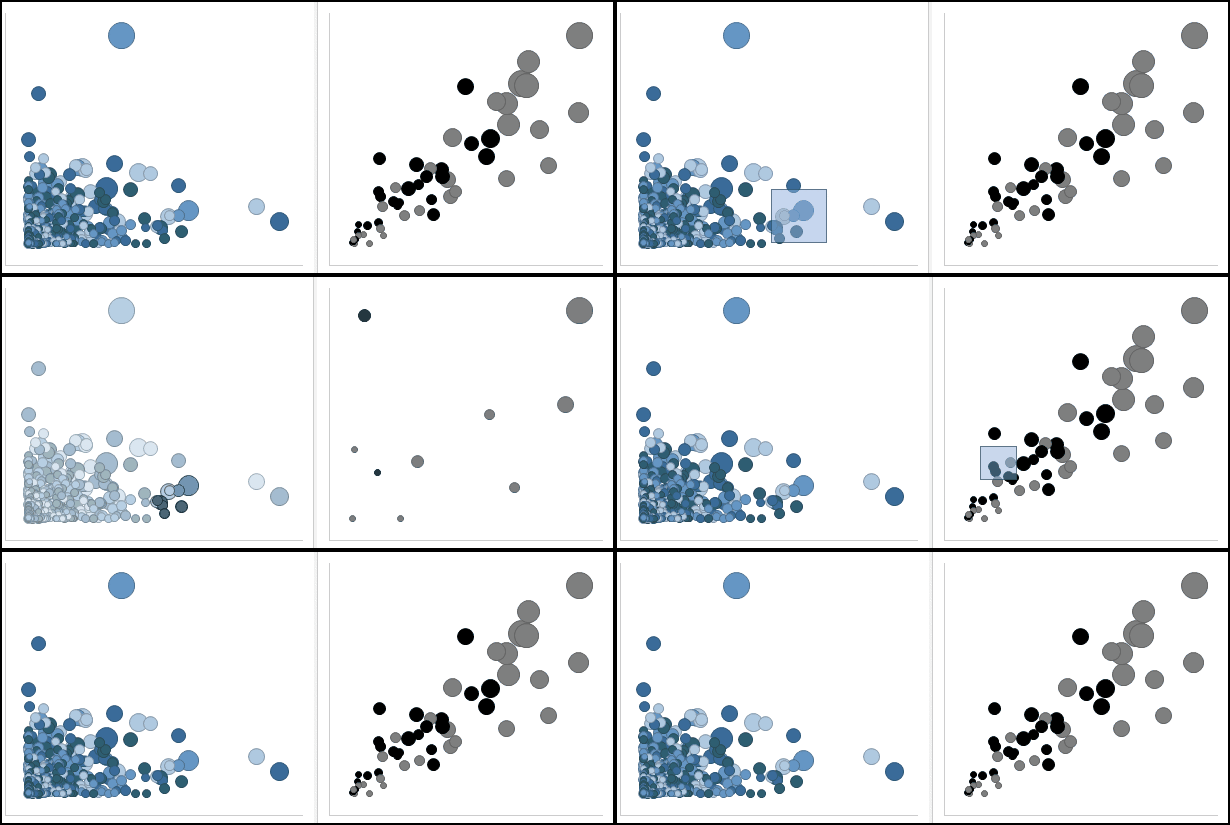
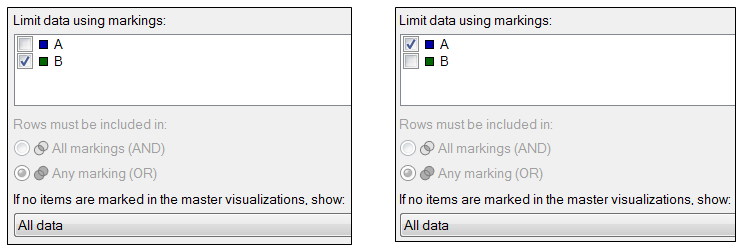
This is implemented by configuring the visual to limit the data by marking. An omni-directional marking is achieved by defining a unique marking limit for each visual, and then showing “all data” when no items have been marked. Here are the configuration screens for a two-visualization omni-drill:

This same technique can be applied to any number of visuals – simply use a unique marking for each visual. Click here to see a working example on Spotfire Cloud.